
Search the city or county building department responsible for the property. Review each permit’s inspection results and closeout records during your contract’s inspection period, before unresolved work becomes your responsibility.
Fresh finishes don’t document approved construction, passed inspections, or final closeout. Start with the correct jurisdiction, then match the records to the home you’re buying.
Key Takeaways
- Search the responsible city or county’s records; a mailing address doesn’t establish permitting jurisdiction.
- Review the work description, inspection results, and final status together. An issued permit doesn’t document completed work.
- Resolve open permits and unexplained renovations before closing, with written responsibility for corrections, costs, and closeout.
Locate the Property’s Building Department
Florida has a statewide building-code framework, but local governments manage property records and permitting procedures.
Match the Address to the Authority
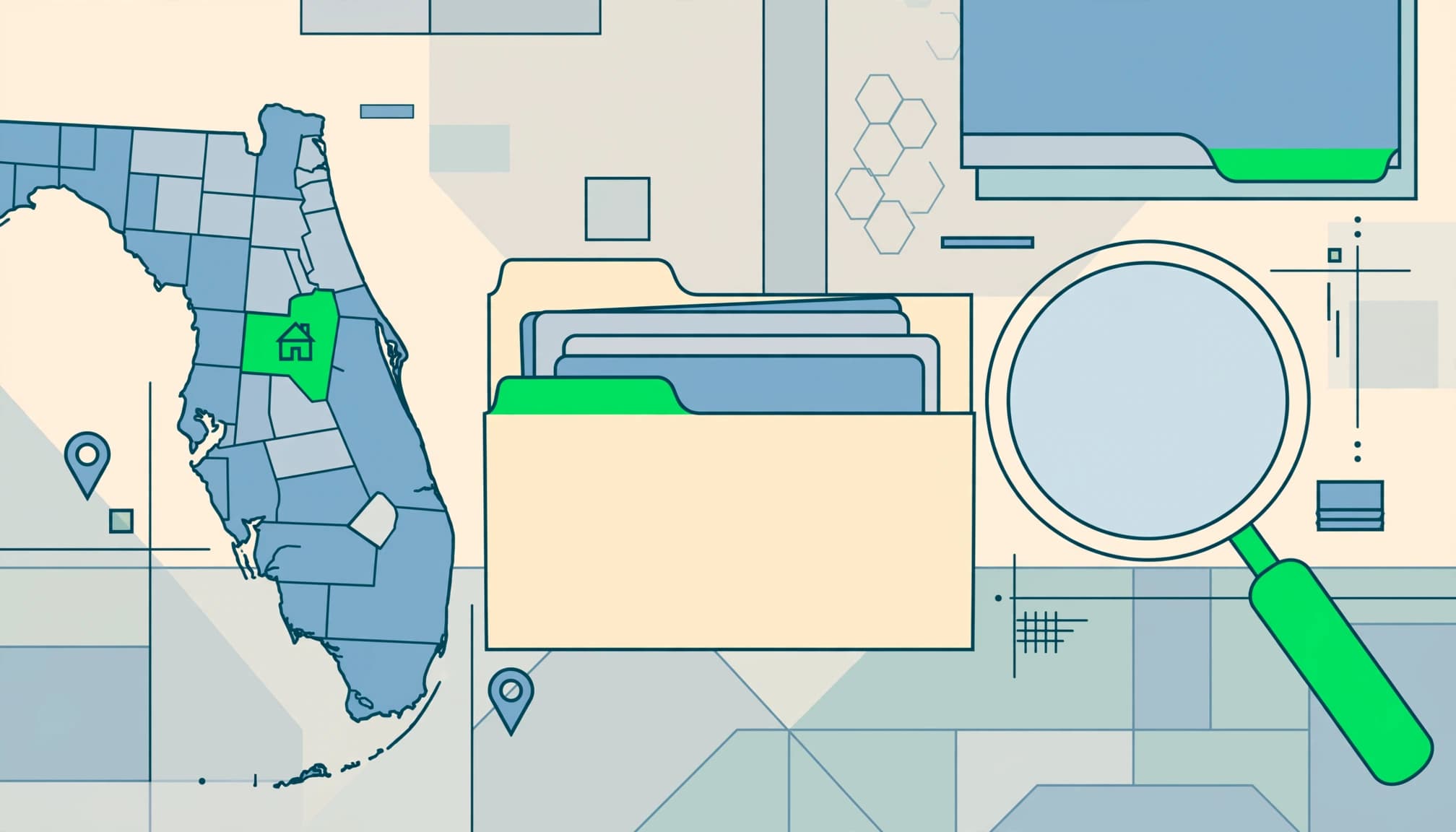
First confirm whether the property is inside municipal limits or in unincorporated county territory. A Fort Myers mailing address, for example, may fall within the city or unincorporated Lee County. Cape Coral, Sanibel, and Naples have their own permitting procedures.
Identify the building department responsible for the property’s jurisdiction. Permit and inspection records may be held in different city or county systems, archives, or departments. A search in the wrong system can return no records even when permits exist elsewhere.
Search using the full property address and the jurisdiction’s parcel ID. Our guide to Florida construction permit requirements explains how jurisdiction and work scope affect local approvals.
Ask officials which systems and archives they checked, whether records are held elsewhere, and how to confirm permit status and required inspections. Missing results are a record gap to investigate, not proof by themselves that work was unpermitted.
Gather Search Identifiers and Seller Records
For Miami searches, gather the process number, project address, or full folio number. Miami’s folio is a unique, county-assigned 13-digit property identifier. Other Florida jurisdictions may use a different parcel ID.
Ask the seller for the permit number, contractor invoices, approved plans, approvals, product approval documents, and final certificates. For major repairs, request insurance claim records and before-and-after photographs. Request sealed copies of documents prepared by design professionals.
These records help connect the seller’s description of improvements to the work the building department authorized.
Search the Right Florida Permit History Portal
These official systems offer different online search routes. Choose the portal for the agency responsible for the property, not a nearby city.
| Jurisdiction | Record System | Main Search Route |
|---|---|---|
| Miami-Dade County | Building Permit Selection Menu | Abbreviated address, permit number, process number, or folio number |
| City of Miami | iBuild portal | Property address or application number |
| Collier County | CityView and historical archives | Current and historical county permit records |
Miami-Dade: Select the Record Type
For Miami-Dade County, enter an abbreviated street address such as 11805 SW 26 ST, without the city, state, or ZIP code.
Use a permit number to open inspection history, or a process number to review application records. Search open permits by folio number.
Save the permit details and inspection results for each relevant project, rather than relying on the search-results screen.
City of Miami: Open General Info and Inspections
The city’s iBuild instructions explain how to use the iBuild portal. A process ID is assigned when a permit application starts online; an issued permit gets its number when the permit is pulled.
Searching by the issued permit’s number opens General Info, with active status, project cost, and issue and expiration dates. Compare the project cost with the approved work listed in the record.
For permit inspections, select Inspections, then View Permit Inspections History, and enter the number shown on the issued permit.
The iBuild portal’s issued-record search doesn’t track applications. Use Track the Status of a Permit Application for an application still under review.
Read Inspection Results Alongside Permit Status
A permit history records each building permit issued for a property, including work type, completion dates, responsible contractors or owners, and associated costs.
Follow the Inspection Sequence
Open the individual permit record and read permit inspections in chronological order. Check for scheduled or failed inspections, correction comments, later approvals, and the final result.
A passed rough inspection covers that stage of construction. It doesn’t show that every required inspection or closeout step is complete. A scheduled inspection isn’t a passed inspection.
A permit can contain passed inspections and still remain open because another required inspection or closeout document is missing.
Save the inspection history with the permit record. Together, they show what was authorized and how the jurisdiction documented the work.
A clean search or missing entry doesn’t guarantee the work was properly permitted. It may point to a record gap, so check other relevant systems and ask local officials and the seller for supporting documents. If you suspect unpermitted work, ask the jurisdiction what records or after-the-fact approval process applies.
Match the Approved Scope to the Home
Compare permit descriptions with additions, enclosed lanais, roof replacements, windows, electrical upgrades, plumbing changes, and storm repairs.
A roof permit doesn’t document a separate structural alteration. A window permit may cover selected openings rather than every window advertised in the listing.
For storm-protection claims, review approved product schedules and installation records alongside our guidance on Florida window and door approvals. A product approval alone doesn’t prove correct installation.
Missing records require further investigation; they don’t automatically establish that work was unpermitted.
Resolve Open Permits Before Closing
Open permits can affect a sale and leave uncertainty about remaining construction obligations. Get written resolution before ownership changes.
Use Collier County’s Status Definitions
Collier County’s Historical Permit Review identifies open permits when a property is sold because they may affect the transaction.
Under the county’s permit history and status guidance, COED, Finaled, Abandoned, Denied, and Cancelled are closed statuses. Any other permit status is open and requires further action under Bulletin 14.
Read the status alongside the project record. A cancelled or denied permit doesn’t document completed, inspected construction. Administrative closure and approval of finished work have different meanings.
Establish the Remaining Work and Responsibility
Collier County’s resolution process starts with gathering project information, requesting the permit file from the Records Room, and obtaining a property card from the property appraiser. Then contact Building Permit Resolution Services.
Ask the county which inspections, corrections, documents, or renewals remain. Ask the seller for the permit file and evidence of completed work.
Unresolved work may require inspections, corrections, supporting documents, or renewal. The local jurisdiction determines the process for potentially unpermitted work.
Put in writing who will arrange the work, pay the costs, and obtain closeout. If repairs require a contractor, our guide to construction contract responsibilities explains how to assign permits, inspections, and final documents.
Your real estate attorney can address unresolved obligations in the purchase agreement. A repair promise or invoice alone doesn’t close a permit.
Find Plans and Certificates Beyond the Permit List
Permit history is only part of the property file. Approved building plans, occupancy documents, zoning records, and code-compliance records can answer questions that a short work description leaves unresolved. Ask the relevant local government about code violations and code compliance records; don’t infer an issue from an incomplete permit file.
Miami-Dade County offers free searches for building permits and building plans, Certificates of Occupancy, Certificates of Use, code-compliance records, product approval, and zoning records. Requests for building plans are coordinated through Microfilm, where buyers can ask about archived files if online materials are incomplete.
For occupancy documentation, use the county’s Certificate of Occupancy and Use resources. A Certificate of Occupancy authorizes occupancy where required; a Certificate of Completion may apply to work that doesn’t create occupiable space.
A Certificate of Use concerns whether a business is allowed in its zoning district. Miami-Dade Certificates of Use issued before 2012 use a separate search engine. That business approval isn’t a substitute for residential occupancy documentation.
For additions or converted spaces, compare approved building plans with the existing layout. Check relevant survey, elevation, floodplain, and zoning records. Association approval, when applicable, is separate from government approval.
Keep the home inspection independent of the permit review. Completed approvals document the authorized scope, but they don’t guarantee that every current condition is defect-free. An inspector can identify moisture, deterioration, or visible alterations that need professional evaluation.
Frequently Asked Questions
Are Building Permits Public Records in Florida?
Yes. A permit file is generally a public record, though access to some documents may be restricted. Local portals provide many records online; older files may be held in archives or on microfilm.
An online search that returns no results, or appears clean, doesn’t guarantee that work was properly permitted. Address formats, jurisdiction, historical archives, or separate record systems may explain gaps. Contact the local building department and seller when records are missing, but a follow-up may not provide a definitive answer.
Do Florida Building Permits Expire?
Yes. Under Florida Statutes Section 553.79, a local-government building permit for a single-family dwelling expires one year after issuance or when the next Florida Building Code edition takes effect, whichever is later. The local government may extend it.
This rule shouldn’t be applied to every permit type. Expiration also doesn’t establish that work passed final inspection. For a purchase, retain the expiration information and the actual inspection and closeout records together.
Buy With Clear Records and Defined Responsibilities
A reliable permit review connects the property, approved work, inspection results, and final documentation. We recommend resolving gaps before closing, while responsibility for unfinished work can still be addressed in writing.
For help planning repairs, remodeling, or an addition to your Southwest Florida home, Get In Touch with our team. Clear scope and complete records support a better construction plan after your purchase.